Link the way you think
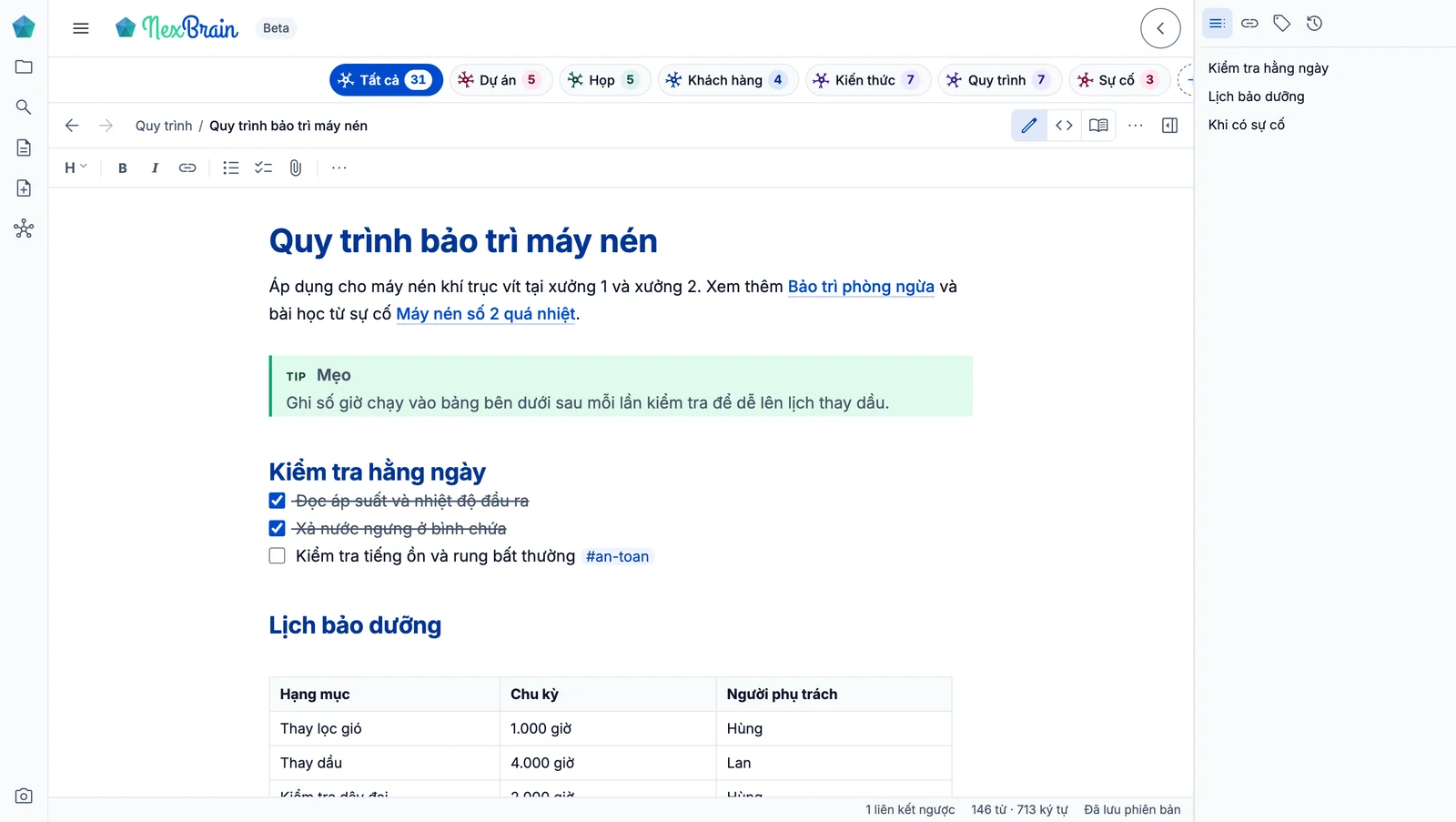
Type [[ to link to another note. Every note lists the notes that link back to it, so no idea gets lost.
Beta sign-ups are open
Write down what you know, connect it with [[links]], and watch your whole knowledge base come together on a graph. Snap a photo or record a voice memo, and NexBrain turns it into a tidy note.
Your notes are your own Markdown files: open them in Obsidian, export them any time.
Features
As light as a sheet of paper, as powerful as a team wiki.
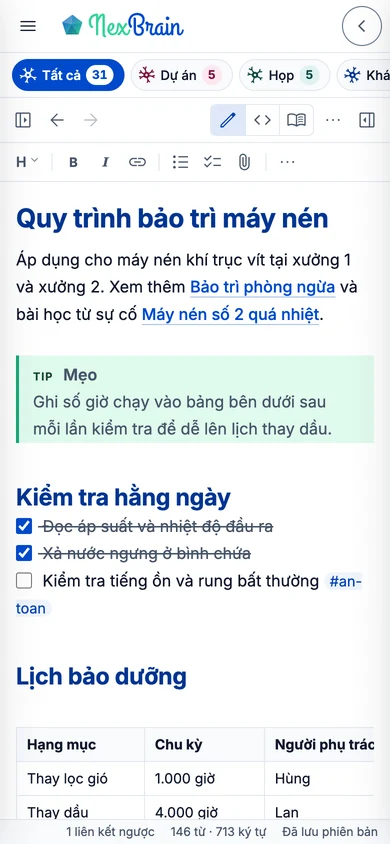
Type [[ to link to another note. Every note lists the notes that link back to it, so no idea gets lost.
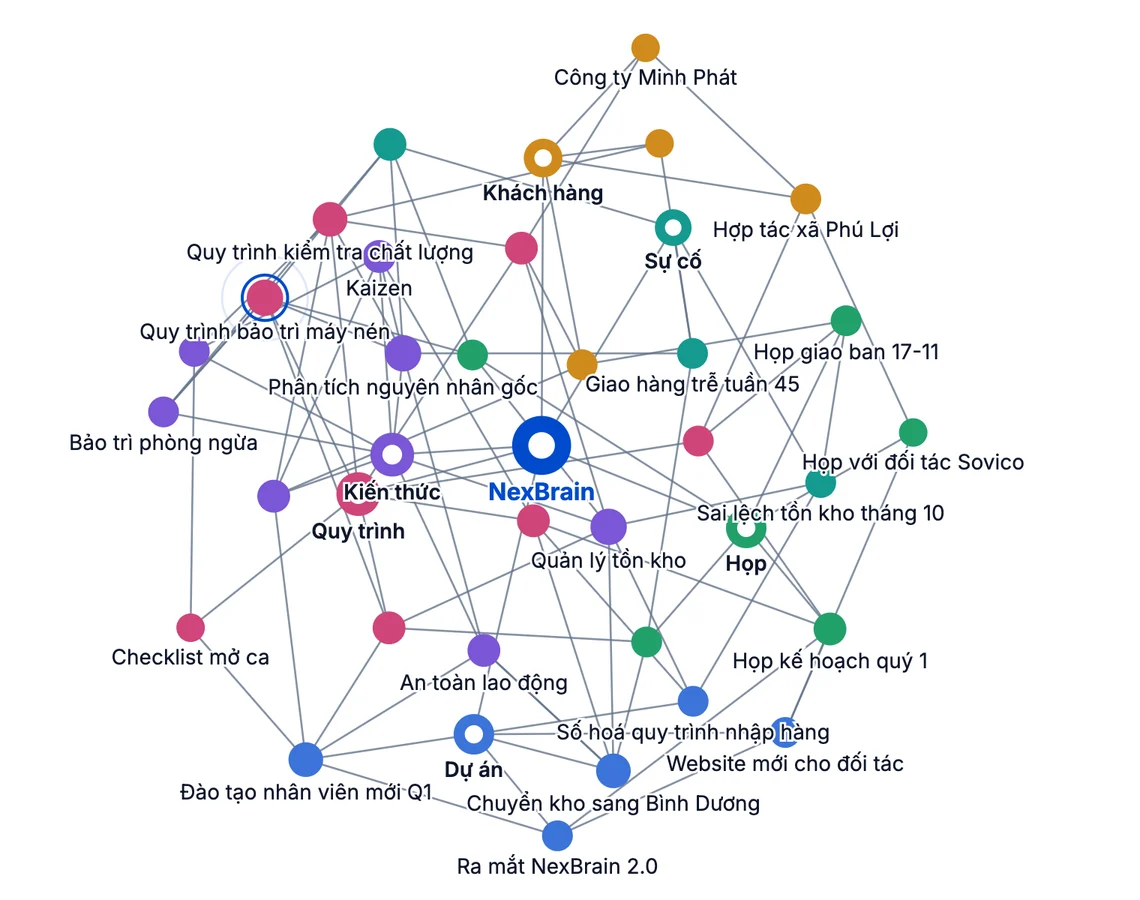
See your whole vault as a map of folders, links and tags. Filter it, colour it by group, and watch it grow over time.
Snap a whiteboard or a receipt, or record a meeting. AI turns it into a Markdown note with a title, key points and to-dos.
Every save is a version. Look back at any earlier one and restore it in one click.
Notes are plain Markdown files in a folder. Open them in Obsidian, back them up anywhere, export a .zip any time.
On the web, as Mac and Windows apps that run right on your computer, and on your phone for quick notes on the go.
Edit tables right in the note, add #tags to filter, and add properties such as owner or status when you need them.
Mark notes as draft or approved, so the whole team knows which procedures are ready to use.
Graph
Every note is a dot and every link a line. The topics you mention most rise to the middle; forgotten notes show up at the edge.
Start in a minute
Type, snap a photo or record your voice. No need to decide which folder it belongs in.
Use [[links]] and #tags to tie new notes to what you already know.
Instant search, filters by tag and folder, or follow the trail on the graph.
Join the beta
NexBrain is in beta. Leave your name and email and we'll send you the Mac, Windows or web version with a short guide, in waves.
FAQ
In the Mac and Windows apps, notes are Markdown files in a folder you choose (Documents/NexBrain by default) and never leave your computer. On the web, notes are stored on the NexBrain server, in a separate vault for each person.
After you sign up, we email the installer and a short guide in waves. If you don't see it, check your spam folder.
NexBrain is in open beta and free to use. We'll let you know in advance if paid plans are introduced.
The app's interface is in Vietnamese today. Your notes can be in any language, and everything else on this page applies.
Yes. NexBrain uses the same format: Markdown, [[links]], properties and tags. Open your Obsidian vault in the NexBrain app and it just works, and the other way round.
The photo or recording is sent to an AI model, which turns it into a structured note. The original is attached to the note so you can check it, and you can always review and edit the note before approving it.
Yes. Every save creates a version. Open the note's History to see and restore any of them.
Yes. NexBrain runs on your own server with Docker. Contact NexLogic for help setting it up.